Android with Chrome
- Open LexChain in Chrome.
- Open the browser menu and choose Install app or Install.
- Follow the prompt to add LexChain to your device.
Install LexChain
LexChain is a mobile-friendly web app. Install it from your browser to open the same portal from your home screen. Document work still requires an internet connection.
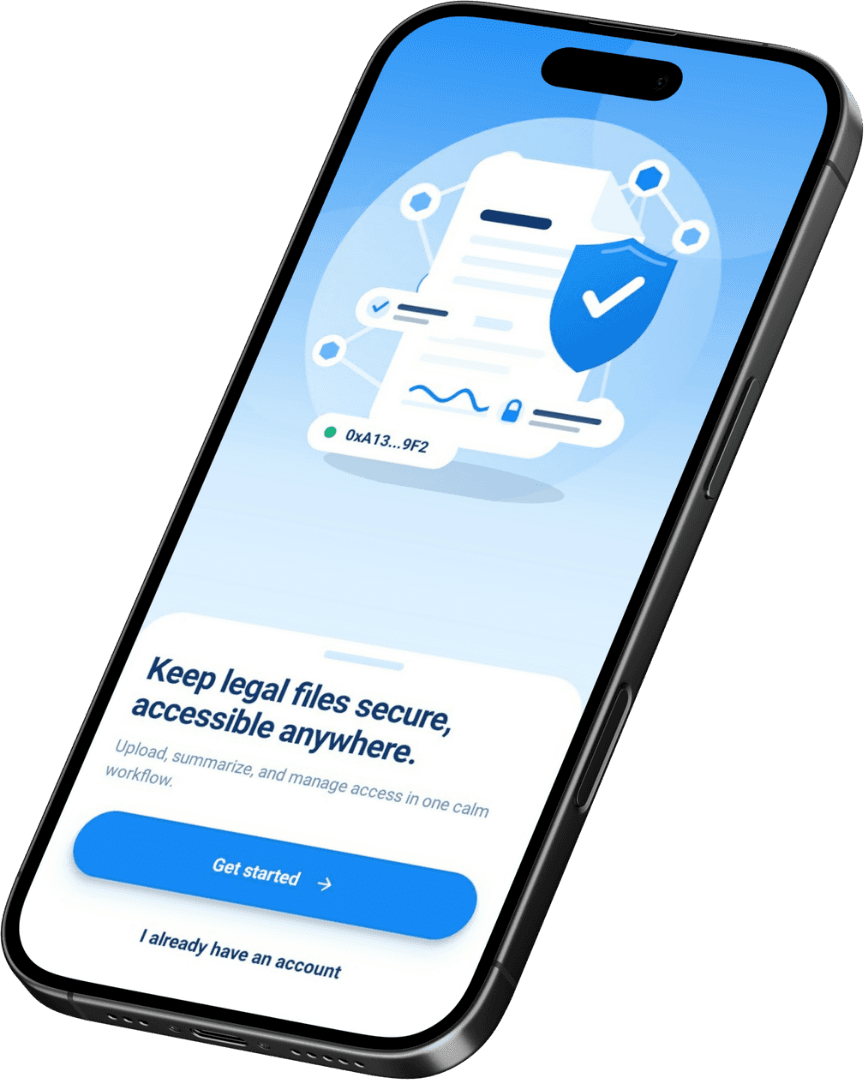
Open the published LexChain site over HTTPS on your phone.